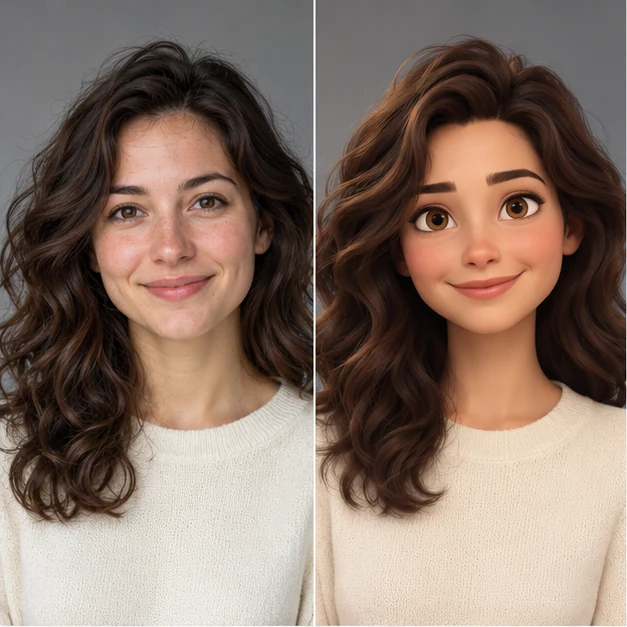
BeforeIllustrated result
 AI Mirror OnlineSign in
AI MIRROR ONLINE · INDEPENDENT BROWSER TOOLS
Choose an editing task: restore an old photo, explore a hairstyle, change a background, try a clothing reference or describe a specific change. Each tool explains which photos it needs.
Generation is not open yet. Browse effects and prepare your edit.
Compare the illustrated looks, then choose a tool for your own photo.
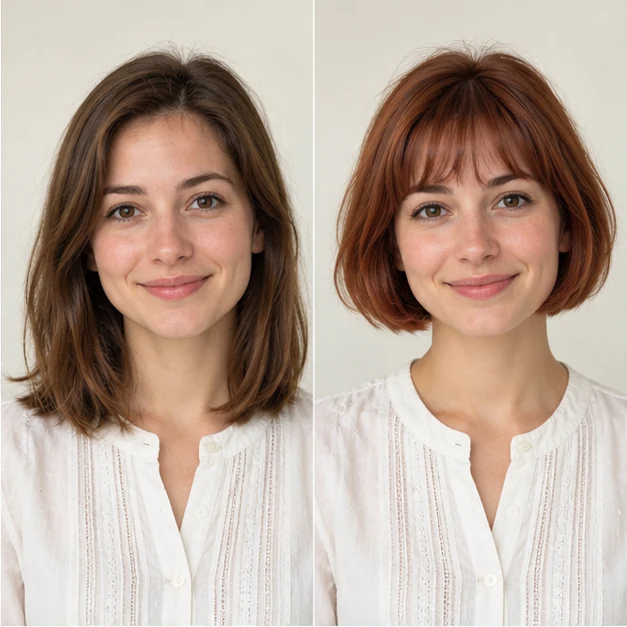
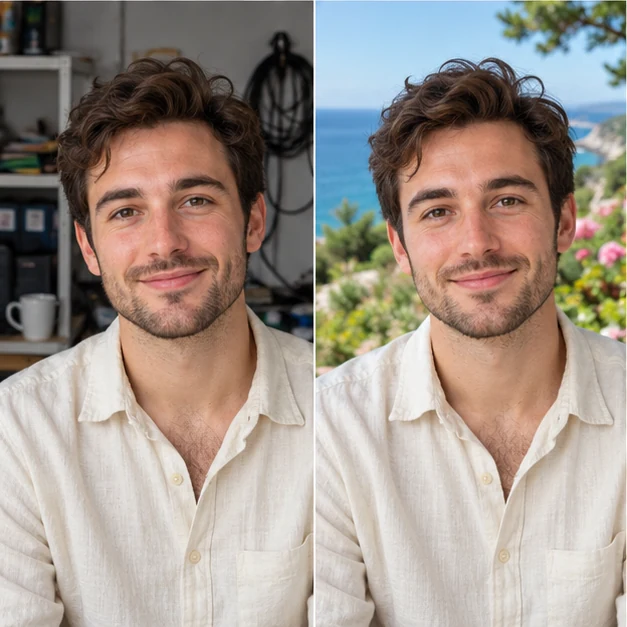
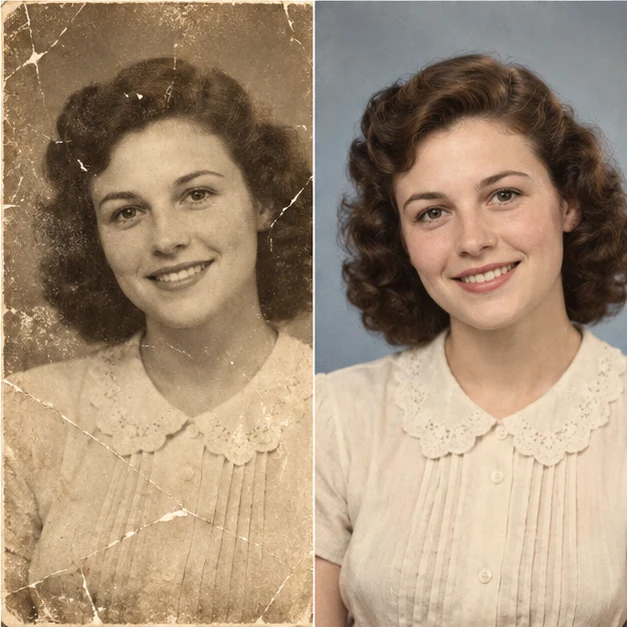
Choose a task to see what to upload. The images show illustrative examples of each look.
Choose anime, miniature, game-inspired and painterly styles.
Choose this tool →
Create three separate portrait variations from one photo.
Choose this tool →
Combine two people, review the image, then animate the hug.
Choose this tool →
Paint a region to replace, remove, recolor or repair.
Choose this tool →Repair visible damage while keeping the original character.
Choose this tool →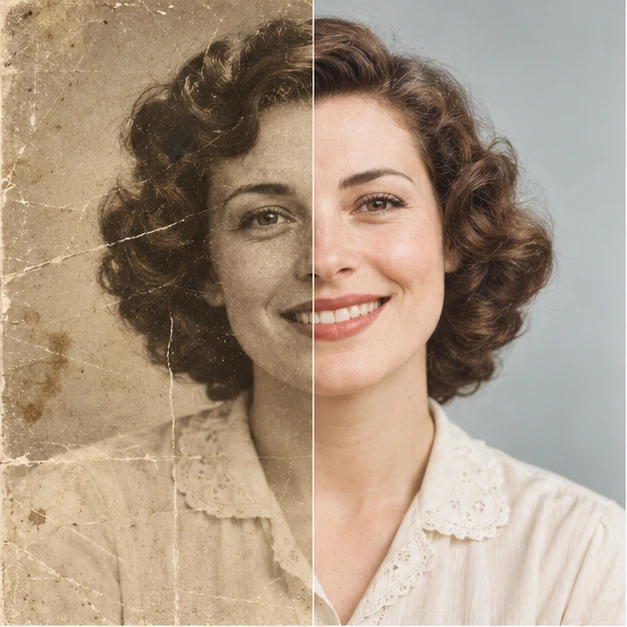
Add plausible natural color to a black-and-white photograph.
Choose this tool →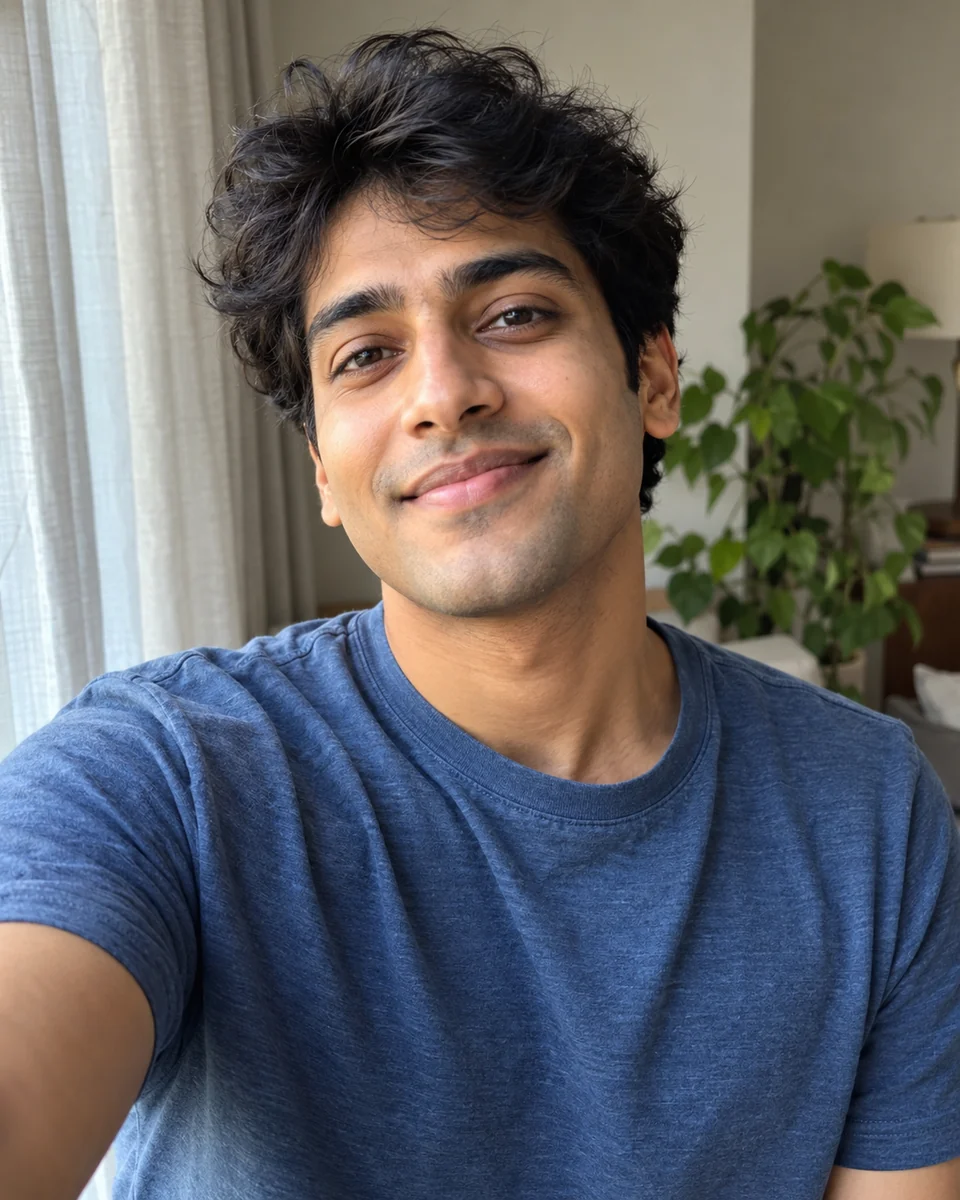
Improve clarity, lighting and detail in a photo.
Choose this tool →Rework portrait light, framing and tone.
Choose this tool →Combine a haircut with a color in one preview.
Choose this tool →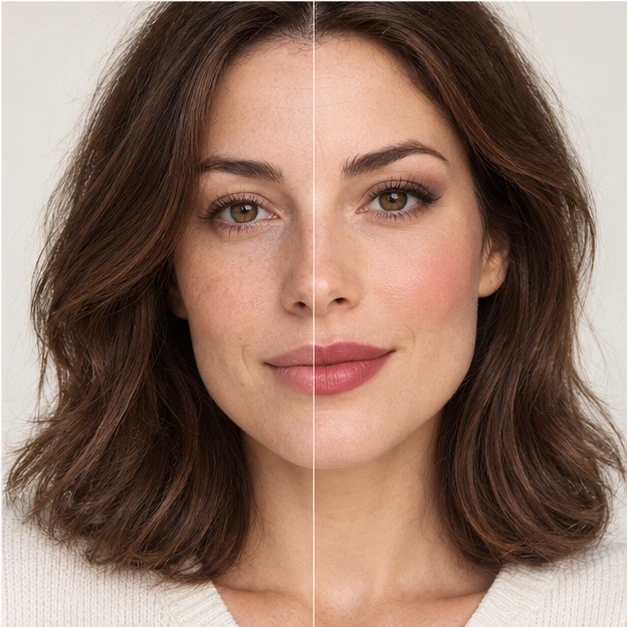
Explore natural, evening and creative makeup.
Choose this tool →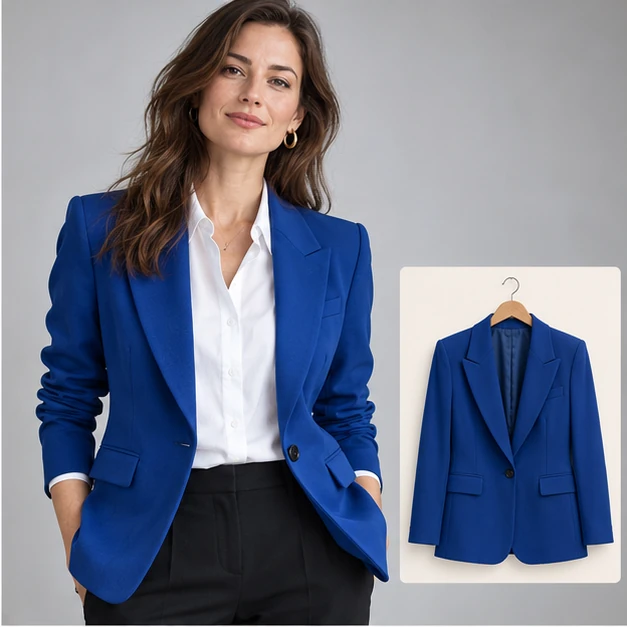
Use your photo and a separate clothing reference.
Choose this tool →Describe a setting or supply a background reference.
Choose this tool →Explore a subtle or stylized athletic appearance.
Choose this tool →Bring two individual photos into one scene.
Choose this tool →
Make an illustrated panel or a short comic layout.
Choose this tool →
Turn a photo into printable line art.
Choose this tool →Describe an edit, then continue from the result.
Choose this tool →Describe an unwanted object and where it appears.
Choose this tool →Choose a style, add your photos, and make it your own.
Preview images are concepts and videos are references, unless marked as verified results.
12 effects · Page 1 of 1
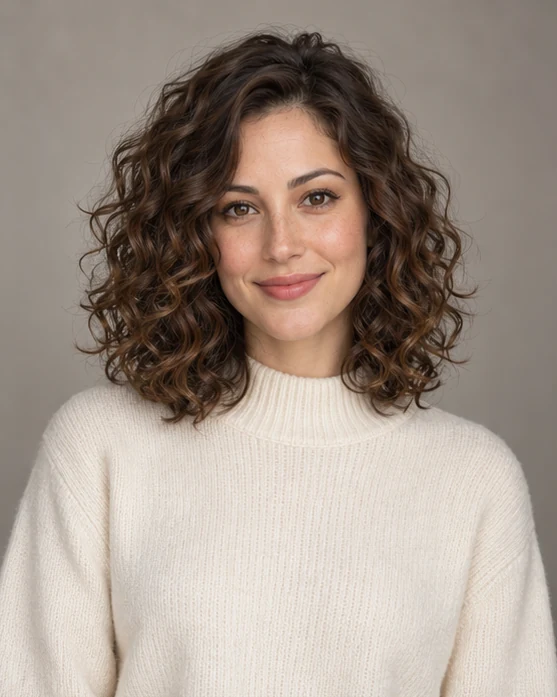
Hairstyles · Hair
Explore soft natural curls while keeping the rest of your photo unchanged.
Checking availability…
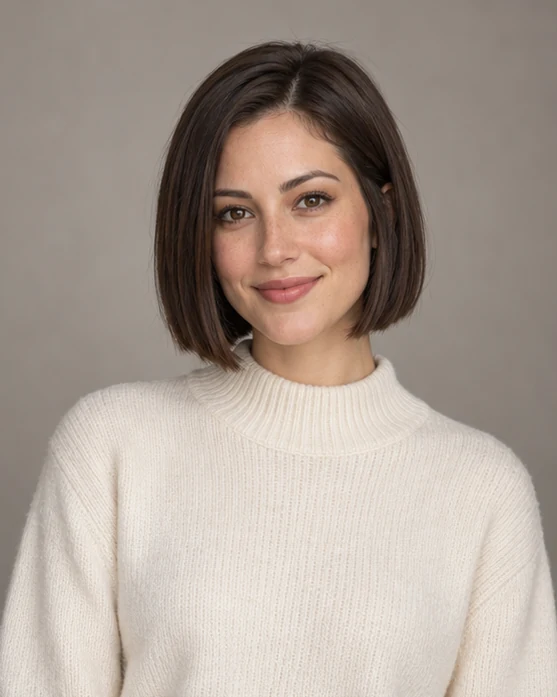
Hairstyles · Hair
Try a chin-length bob with the same face, outfit and setting.
Checking availability…
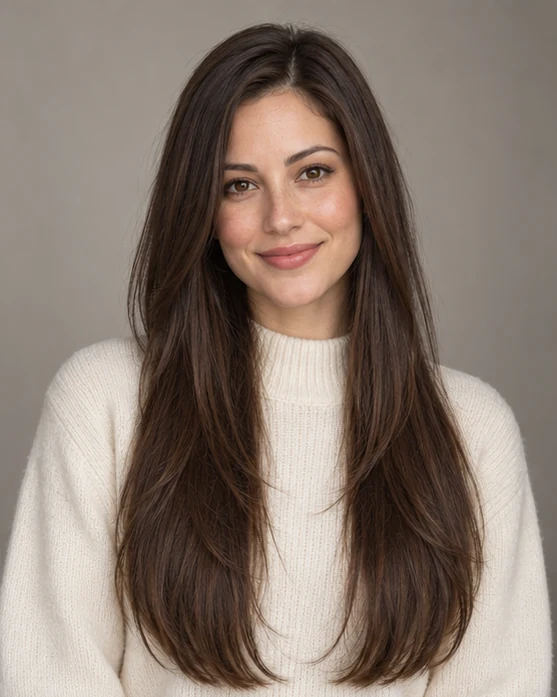
Hairstyles · Hair
Preview long layered hair without changing your outfit or background.
Checking availability…
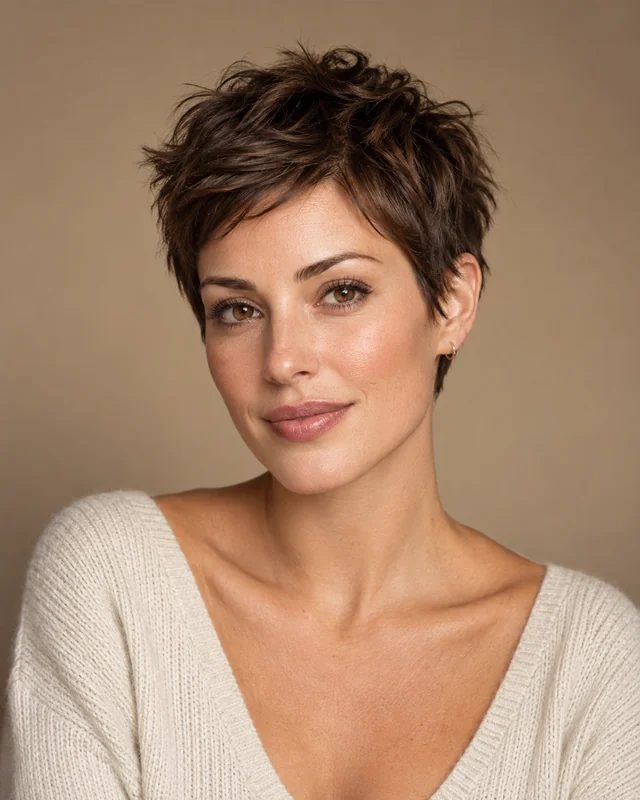
Hairstyles · Hair
Explore a short textured pixie cut while retaining your current hair color.
Checking availability…
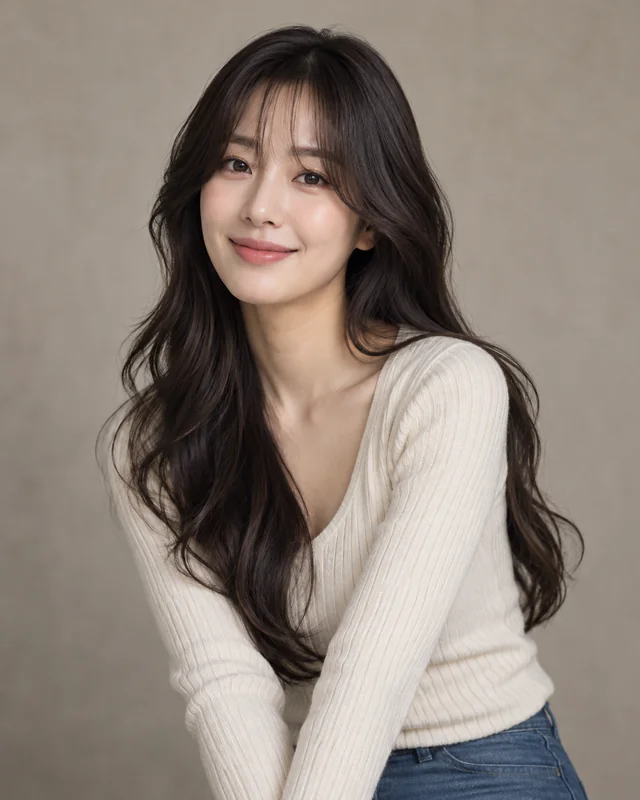
Hairstyles · Hair
Preview face-framing curtain bangs with your existing hair length and color.
Checking availability…
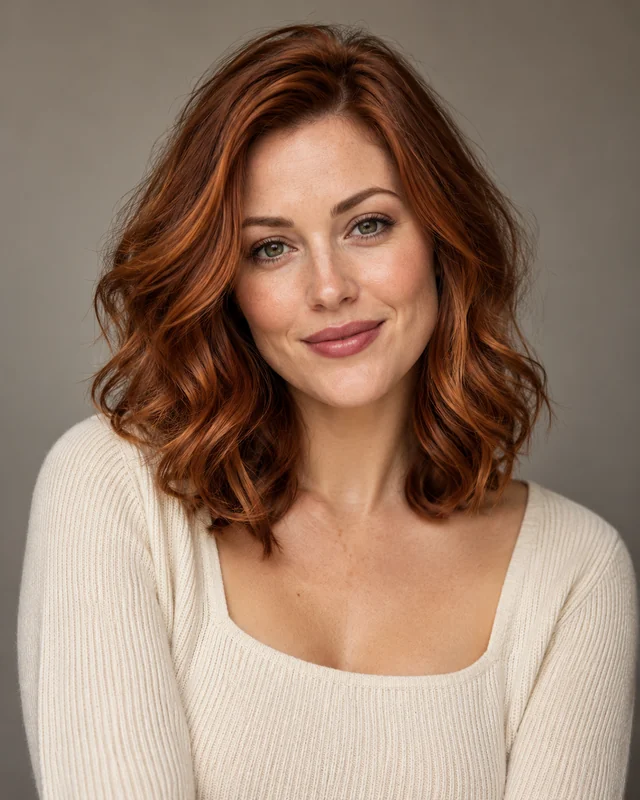
Hairstyles · Hair
Try a warm auburn hair color while keeping your current cut and texture.
Checking availability…
Selfie edits · Touch-ups
Request a gentle exposure lift while retaining your original scene and skin texture.
Checking availability…
Selfie edits · Touch-ups
Refine color and lighting with subtle changes and no facial reshaping.
Checking availability…
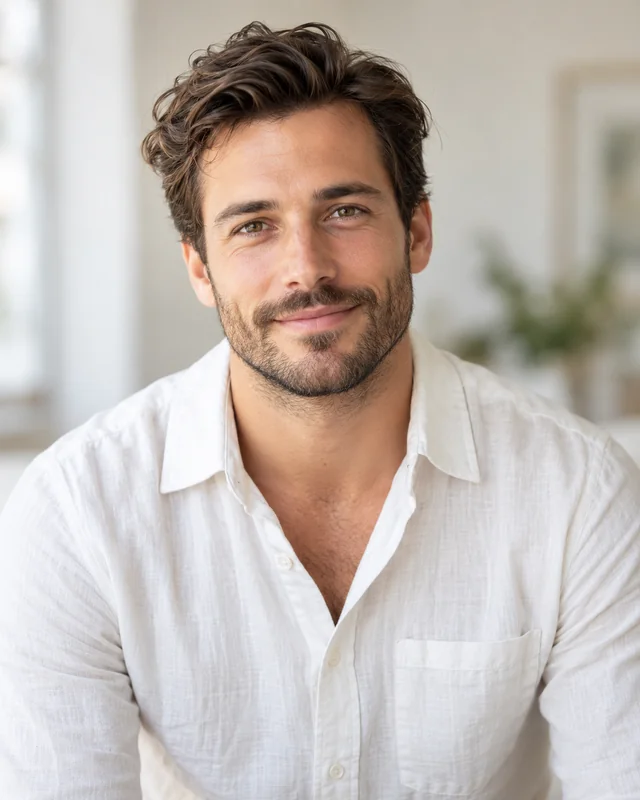
Selfie edits · Touch-ups
Reduce an unwanted color cast for a more naturally balanced portrait.
Checking availability…
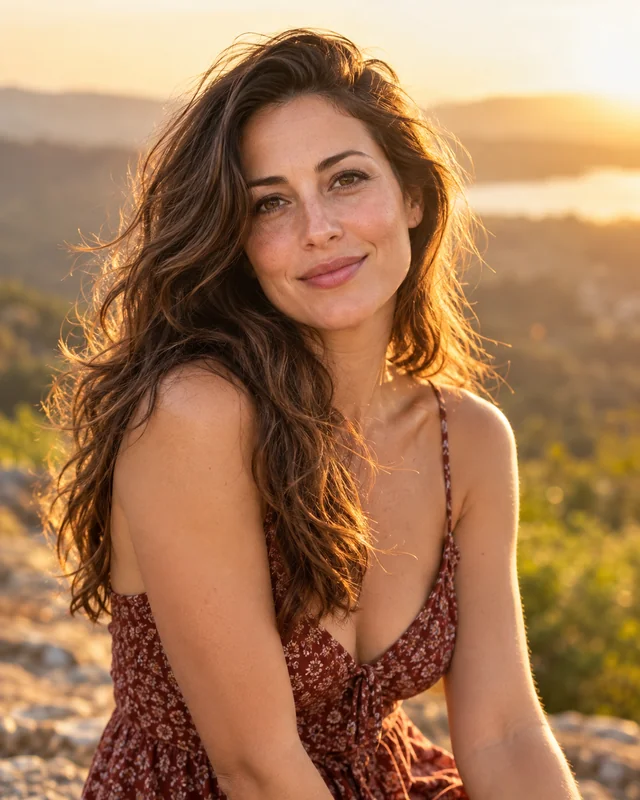
Selfie edits · Touch-ups
Lighten a shadowed face while keeping the atmosphere of a backlit photo.
Checking availability…
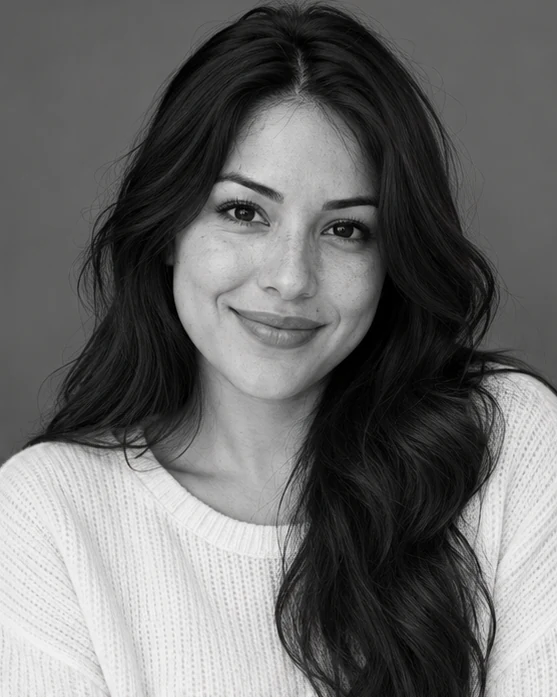
Selfie edits · Touch-ups
Convert your existing photo to balanced black and white while preserving the scene.
Checking availability…
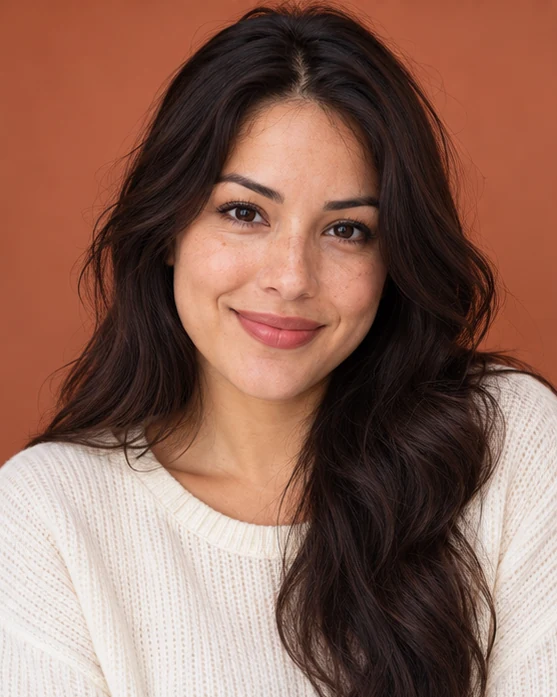
Selfie edits · Touch-ups
Request subtle brow definition that follows your existing eyebrow shape.
Checking availability…
Use a dedicated tool for restoration, colorization, enhancement, hair, makeup, clothing or backgrounds. For an open-ended edit, describe one change, such as “Use a warm gray studio background.” State which details matter, without assuming every other pixel will remain unchanged.
Virtual try-on uses your photo and a separate clothing reference. Background replacement accepts a written setting or a background image. Magic brush lets you mark a region and choose replace, remove, recolor or repair; generation requires a supported editing option. A written object-removal request is separate from a painted selection.
Review the result before deciding on another edit. Use the chosen image as a new starting point, add the next instruction and review the cost of that generation. Each edit creates another result rather than a promise of an unlimited editing session.
Only Magic brush uses a painted selection. Other tools use text, choices or reference images. The brush interface is available to explore, but its generation service is not open yet. A selection does not guarantee pixel-perfect changes or preservation of everything outside it.
You can request that other details stay the same, but AI editing may alter them. Inspect the whole image, especially faces, hands, text and background details, before using the result.
Use the result as the starting point for another edit, then review its settings and cost before confirming. A new edit is a separate generation.
No. The tool is designed for a visual styling interpretation using a person photo and clothing reference. It does not measure garment size or predict physical fit.