Photo to video · Motion
Subtle motion
Add gentle breathing and a small natural head movement to a still portrait.
Checking availability…
 AI Mirror OnlineSign in
AI MIRROR ONLINE · INDEPENDENT BROWSER TOOLS
Explore portrait animation, camera movement, themed motion and a two-photo hug workflow. Choose an effect to see its starting images and available settings.
Generation is not open yet. Browse effects and prepare your edit.
Choose a photoChoose a style, add your photos, and make it your own.
Preview images are concepts and videos are references, unless marked as verified results.
13 effects · Page 1 of 1
Photo to video · Motion
Add gentle breathing and a small natural head movement to a still portrait.
Checking availability…
Photo to video · Motion
Bring the camera slowly closer while keeping movement understated.
Checking availability…
Photo to video · Motion
Animate a portrait with gentle breathing and softly twinkling festive lights.
Checking availability…
Photo to video · Motion
A gentle camera move and a small smile create a stage-inspired portrait clip.
Checking availability…
Photo to video · Motion effects
Request a full camera orbit around your subject. AI motion may vary.
Checking availability…
Photo to video · Motion effects
Aim for a frozen pose as the camera sweeps around it. AI motion may vary.
Checking availability…
Photo to video · Motion effects
Keep the subject prominent as the background appears to stretch away. AI motion may vary.
Checking availability…
Photo to video · Motion effects
Request a dramatic pullback from a portrait toward a distant Earth view. AI motion may vary.
Checking availability…
Photo to video · Motion effects
A surreal giant hand gently lifts the subject like a small figurine. AI motion may vary.
Checking availability…
Photo to video · Motion effects
Request flowers growing around a calm portrait. AI motion may vary.
Checking availability…
Photo to video · Motion effects
A gentle floating effect above the ground with soft movement. AI motion may vary.
Checking availability…
Photo to video · Motion effects
Request a chrome transformation with a recognizable silhouette. AI motion may vary.
Checking availability…
Dance · Dance
Use a supported motion template to animate the person in your photo.
Checking availability…
A slight head movement or gentle change in expression can give a portrait a different feel. Choose a subtle-motion effect when you want the person and setting to remain the focus, and use a clear image with the subject easy to see.
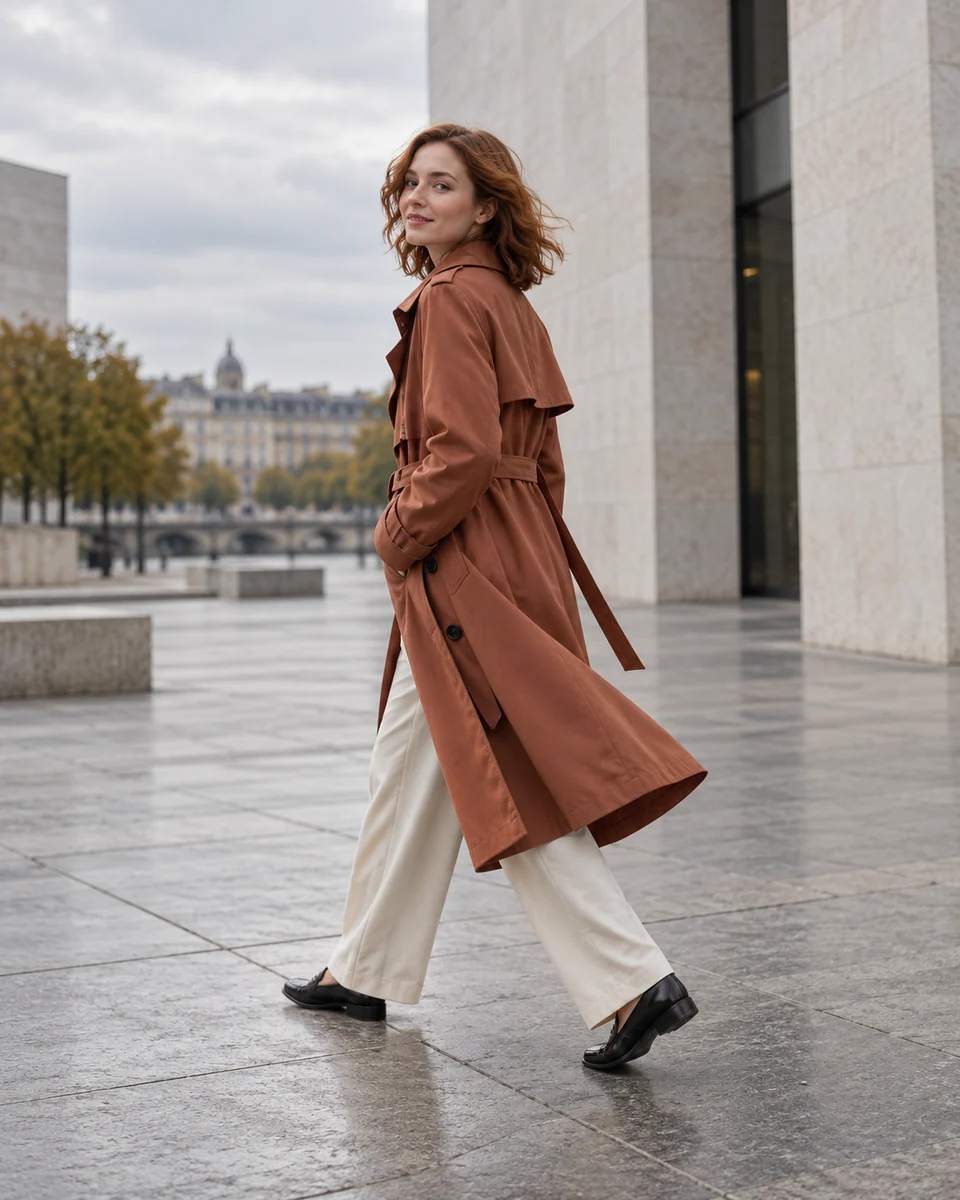
A slow push-in or orbit creates a different sense of space from a static portrait. Browse the motion references to choose a direction, then add relevant instructions. Camera effects may reveal generated details beyond what is visible in the original photo.
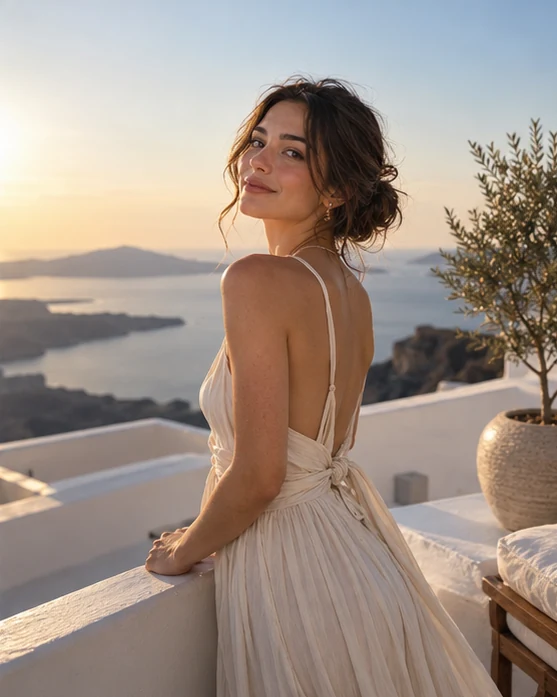
The selected video option determines which settings are available and how many credits the task needs. Check them before confirming. When the video is ready, preview the movement and subject details before downloading; a fresh generation has a separate cost.
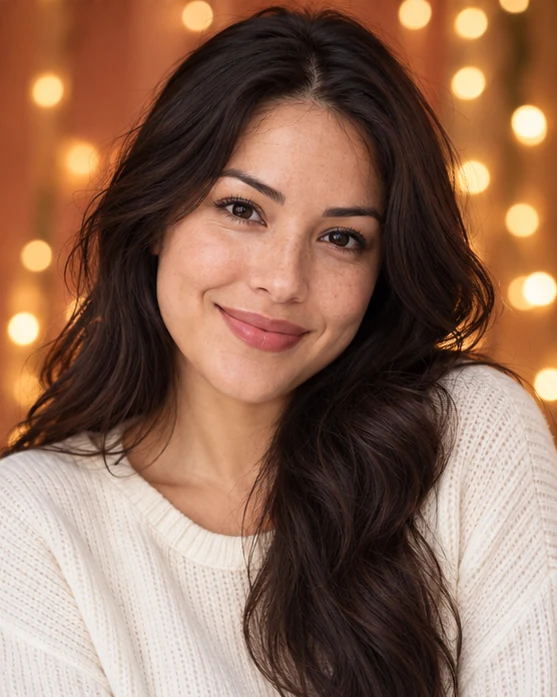
Most photo-animation effects start from one image. The Two-photo hug video tool takes two individual photos, creates a shared image for review, then uses the chosen image for a separate video step. Follow the input labels for your selected tool.
A template dance workflow is listed alongside photo-animation effects. It does not promise arbitrary choreography or an exact copy of a reference performance. Generation is not open yet, and motion quality has not been verified on this site.
Check the selected video option before generating. Available duration and output settings depend on the configured option; the page does not promise one fixed format or length for every effect.
Apple Live Photo export and adding music to an exported video are not available. A regular video file is not a Live Photo.